

AI
Written with AI from 3 sources, without human review. Model: gpt-5.6-sol.Analytics Metrics for Creators: What TikTok Numbers Matter
Analytics metrics for creators can reveal why a TikTok post stalls. This guide explains how to read retention, watch time, shares, profile visits, conversions and qualified views.
Published by Web2Labs. Report an error in this article
TikTok gives you enough data to ruin a perfectly good morning.
Views are up. Followers are flat. Completion rate looks heroic. The next upload dies at 312 views. Naturally, you start blaming the moon.
The dashboard grew up
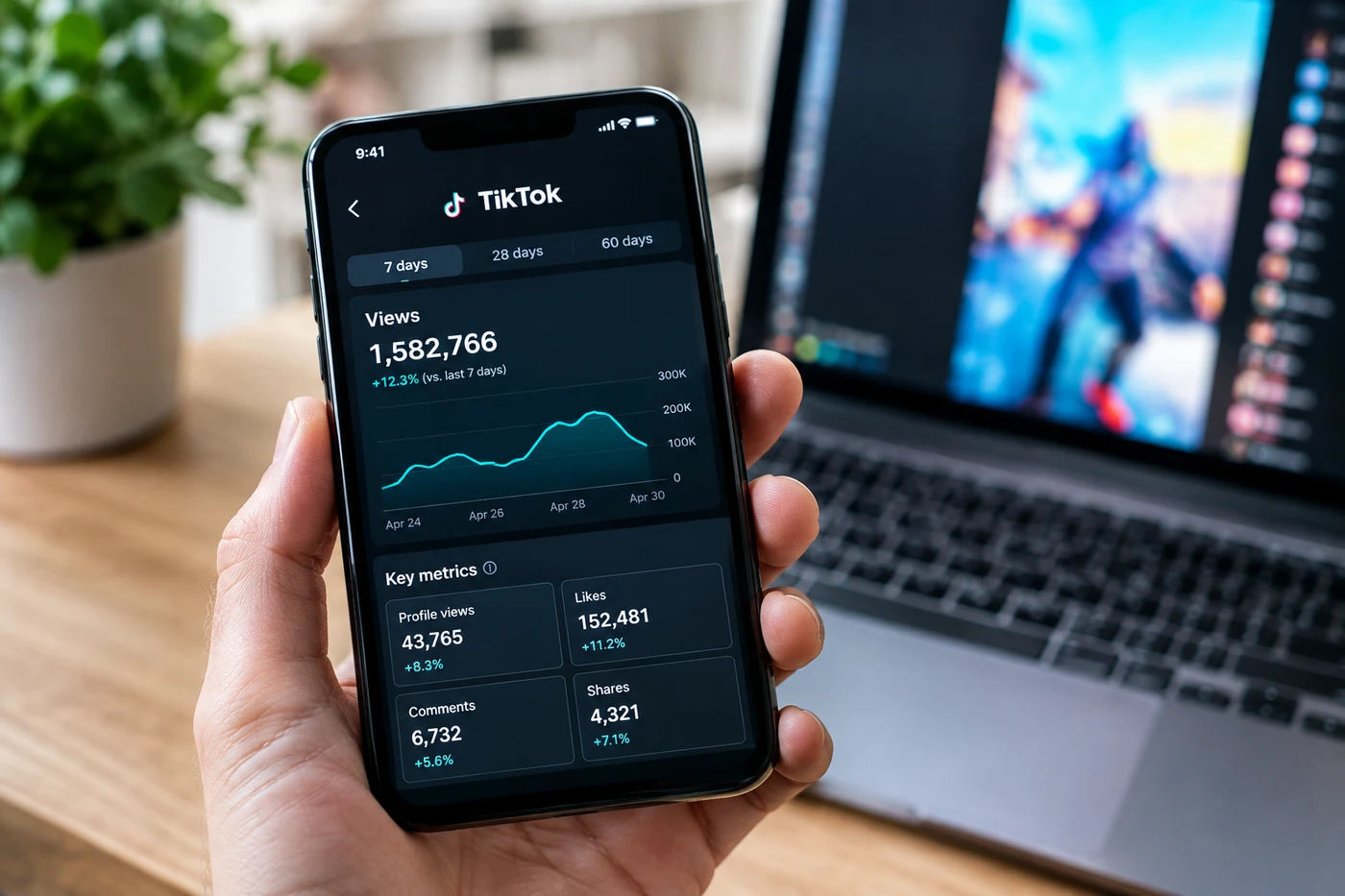
TikTok has folded its creator data into TikTok Studio1, covering account performance, individual posts, viewers, followers, LIVE and monetization. There's also a standalone Studio app, while desktop remains useful when you want more screen and fewer thumb gymnastics.
One correction worth making: you don't need to convert into a Business Account just to get analytics. Personal Accounts can use creator tools too. TikTok says you need at least one public post before the data appears.
The platform has also added AI-powered comment insights in supported regions. These group recurring topics, questions and audience sentiment. Not perfect, obviously. Still more useful than manually reading 600 versions of "part two?"
Your dashboard isn't a report card. It's the audience leaving fingerprints on your work.
The numbers with teeth
Start with retention. TikTok's own explanation of its recommendation system2 says watching, finishing and skipping are important interaction signals, with time spent watching generally carrying more weight than basic device or location information.
So views tell you distribution happened. Average watch time tells you whether the idea survived contact with an actual human.
Then check shares, saves and profile visits. Likes are pleasant. Shares mean someone risked their reputation by sending your video to another person. Profile visits show the clip created curiosity beyond the clip itself.
Finally, measure conversion against the job of the video. Did it earn followers, search traffic, link clicks, qualified monetized views or sales? A million empty views can be less valuable than 20,000 from people who actually need what you make.
This isn't only TikTok. YouTube gives creators retention curves, while Instagram's Edits app surfaces distribution clues such as skip rate. Every major video platform is nudging creators toward the same uncomfortable truth: the opening matters, but keeping attention matters more.
Your next upload
Pick one goal before posting. Reach, followers, revenue or traffic. Don't choose all four unless you enjoy confusing yourself.
After 24 to 48 hours, compare the post with five similar videos - not your accidental viral hit. Look at the first drop in retention, average watch time and the action viewers took afterward.
Change one variable on the next upload: the opening line, length, framing or payoff. One. Otherwise you won't know what fixed it.
If you're in the Creator Rewards Program3, separate ordinary views from qualified views and RPM. Applause and income are related, but they're not twins.
- 1support.tiktok.comTikTok Studio
- 2support.tiktok.comrecommendation system
- 3support.tiktok.comCreator Rewards Program
Discussion
Join the discussion - share what's working for your channel.