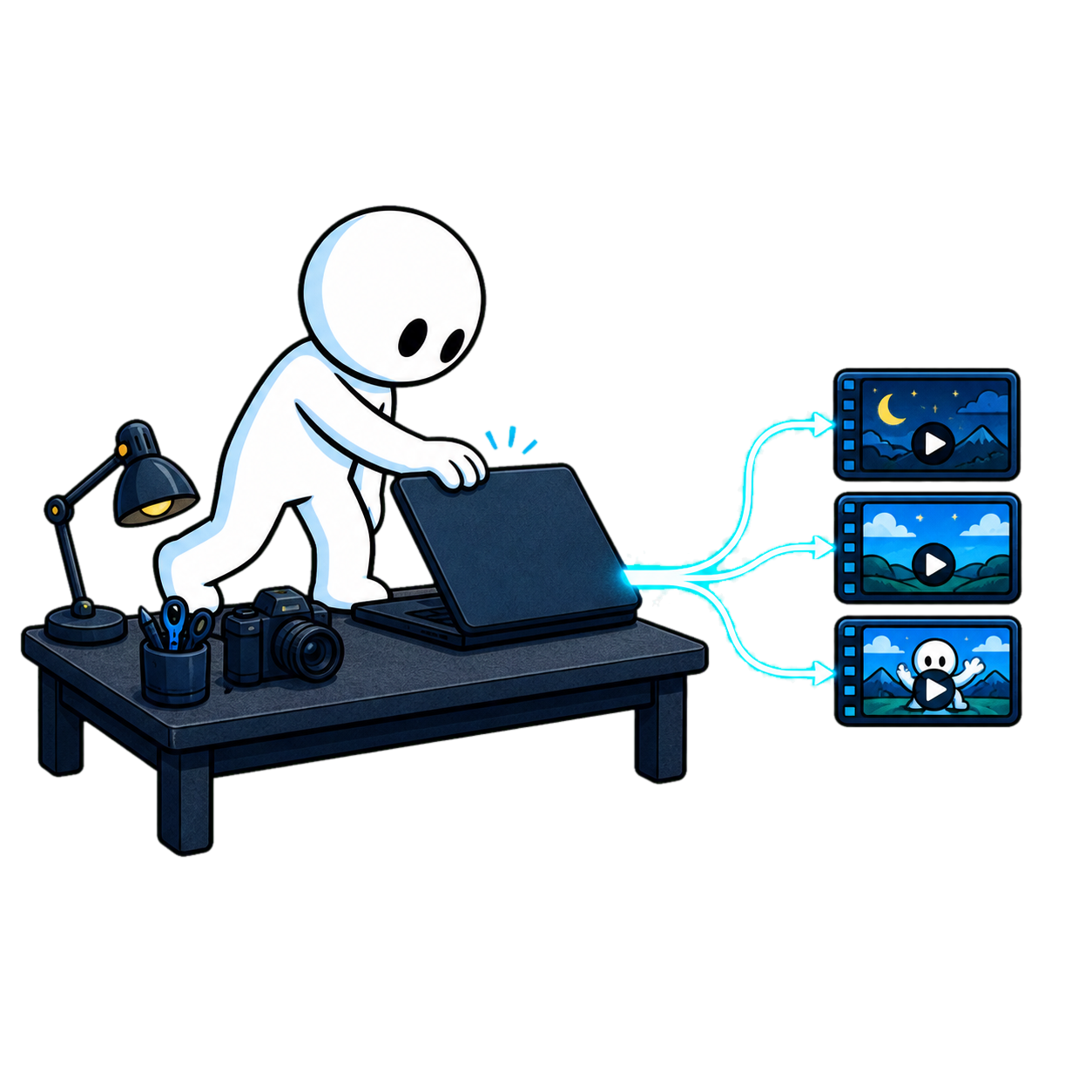
Your recording. Moments worth sharing.Nothing about how you record changes - Riverside, OBS, Zoom, your phone.
Choose Auto or Q&A for a spoken recording. Full-video editing is coming soon. Studio finds the clips your recording supports, with titles and descriptions ready to copy. Add thumbnails when you want them, then review and post.
- No credit card
- Your footage stays yours
- Cancel means cancel
Earlier development demo. Available now: Auto and Q&A for spoken recordings. Full-video editing is coming soon; results depend on your recording.
Record long.Or record short.
Start from a long or short spoken recording. Review the clips your source supports, add captions, and download. Full-video editing is coming soon.
Find moments in a longer conversation.
- Choose Auto or Q&A for spoken recordings
- Clip count depends on your recording and preset
- Available YouTube, TikTok, Reels and X versions
- Optional thumbnails, with prices shown before processing
TikTok, Reels, YouTube Shorts, X.
- Source-backed moments with styled captions
- Review the selected boundaries and framing
- Available versions for TikTok · Reels · YT Shorts · X
- Posting text, with optional thumbnails
Choose the outputs that fit your recording. Platform availability depends on the clip.
Drop the file.Studio does the rest.
Three steps. No timeline to learn. Runs on our hardware - your laptop fan stays quiet.
- STEP 01
Drop your recording.
Keep recording in your usual tool. Upload spoken footage and choose Auto or Q&A. Other jobs are marked Coming Soon. Studio checks what your recording supports before processing.
- Auto and Q&A for spoken recordings
- Check the available job and processing cost before starting
- Keep your brand colors, intro/outro, and face
- No plugin, no re-recording, no timeline
template picker · outcomes · configurationone drop → choose your job - STEP 02
Studio does the work.
Studio processes your source and prepares the outputs you selected. Follow the progress, review the selected clips with their posting text and included Story covers. Add optional Moment covers or B-roll to your keepers.
- Source progress and saved results as work advances
- Optional thumbnails + titles with available platform variants
- Hook · Virality · Emotion · Energy scoring
- Transcript with skip-to-best-take
live editing view · scores · thumbnails A/B/Cearlier demo illustrative resultsCLIPSYT0:04PUBG: Enemy at Base - Shotgun Time!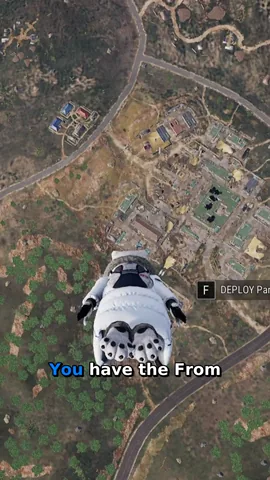 TT0:02The #1 Issue for Streamers: Dead Air Filler
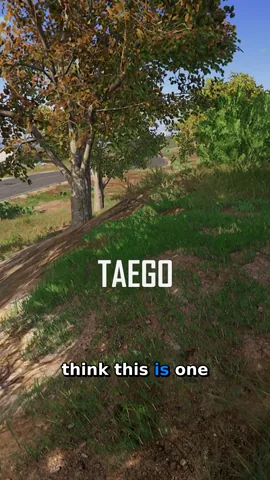 IG0:05Hospital Drop on Taego: 5 Enemies!
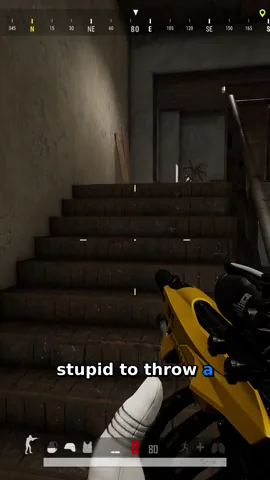 YT0:09Come On! Finishing Low HP Enemy
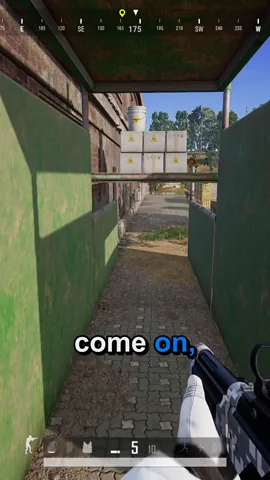 X0:09How Studio Cuts Loading Screens in PUBG
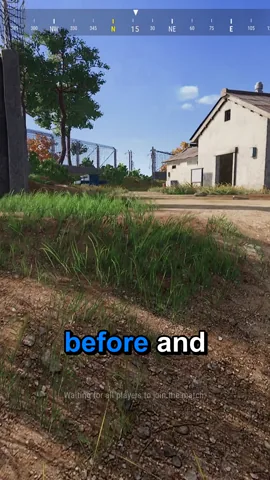 THUMBNAILS · A / B / CA
 B
B C
C
- STEP 03
Review, render, and post.
Review your selected clips before rendering, or opt into automatic rendering. Clip count depends on the recording. Your export contains the available platform versions and posting text, plus the extras you selected. Download the pack and post in your own tools.
- Your selected clips and available platform versions
- Per-platform titles and SEO tags, ready to paste
- Optional publishing extras, priced before processing
- A single ZIP containing the files ready to export
render queue · publish kit · posting text4 platforms → ready to postLong-form master 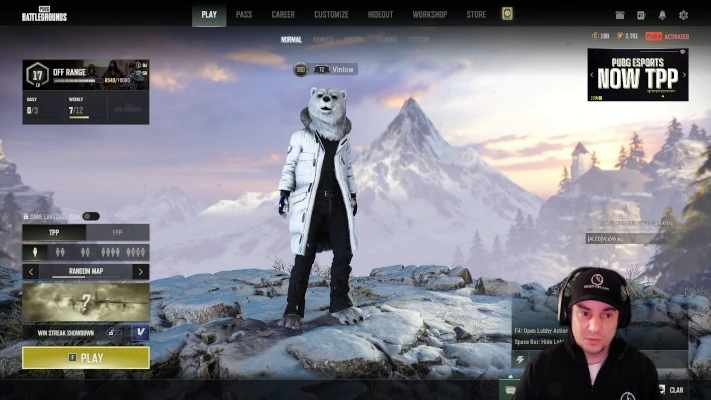
Clip Pack SELECTEDPUBG: Enemy at Base - Shotgun Time!
See your clips appear.Stop it any time.
The results stream into a real editor as Studio works - clips and captions appearing live. Stop whenever you want and keep what’s finished; you only pay for the minutes that ran.
Everything finished so far stays in your project. You only pay for the minutes that ran.
Live, not a loading bar
The clips and the captions appear as Studio works - in a real editor, not behind a spinner stuck at 33%.
Stop the moment you've seen enough
One click halts processing. Everything already finished stays in your project - ready to download or refine.
Pay only for what ran
Stop at minute 12 of a 43-minute recording and you’re charged for 12, not the whole file. The meter only counts what processed.
Still need to tweak?Full NLE editor inside.
Studio ships a complete non-linear editor - multi-track timeline, trim handles, ripple cuts, effects, keyboard shortcuts. The auto-edit is your starting point, not your ceiling.
- Multi-track timeline (V1 / V2 / A1 / A2)
- Select · Trim · Razor · Slip · Slide tools
- Keyboard shortcuts (J/K/L scrub, space to play, B to razor)
- Effects, transitions, speed, volume, opacity inspector
- Undo/redo, snap-to-grid, markers, auto-save
Choose your job.Start with spoken footage.
Auto and Q&A are available for spoken recordings. Other clip jobs and full-video editing are marked Coming Soon.
- Auto
- Q&A
Check availability for your recording in Studio. Clip count and platform versions depend on the result.
One upload.Everything shipped.
Export the files ready in your project as one publish-pack.zip. Its contents follow your chosen outputs, available platform versions, and optional extras. The example below is an earlier development export. It includes full-video features that are not currently available for new jobs.
- 612 MB
- 380 MB
- 2.8 MB
- 186 KB
- 84 KB
- 240 KB
- Duration
- 4:32
- Resolution
- 1920×1080 · 30 fps
- Audio
- Stereo · 48 kHz · -14 LUFS
- YTYouTube
- TTTikTok
- IGInstagram
- XX
Two promises.In writing.
We won't bury these in the footer. Plain-language commitments on how we handle your footage and what happens if you hate the result.
Your footage stays yours.
- §1 · Encrypted at rest
Your raw uploads sit encrypted on our storage. Never public-readable, never indexed, never exposed to the network.
- §2 · Never used for training
Your recordings are not training data. Not for our models. Not resold. Not reviewed by another human for any purpose outside running your job.
- §3 · One-click delete
Hit delete on a project and the raw file leaves active storage. A retention window applies for billing disputes, then the bytes go.
Don't like it? Click the button.
Your first subscription has a real refund button in your account, live for its first 30 days. If Studio doesn't save you hours, you shouldn't pay for it.
- §1 · No forms, no email
One click in your billing settings. No reason required, no retention call, no cancellation flow designed to wear you down.
- §2 · Back on your card in days
Refunds return to the card you paid with within 5–7 business days. We do not hold the money as credit unless you ask us to.
- §3 · Free tier stays open
Your account does not disappear. Your projects stay visible, your free tier keeps working - pick it back up whenever. The plan credits from the refunded month go back with it; credits you bought separately stay yours.
- §4 · The limits, up front
The window runs 30 days from the day your first subscription started - an upgrade keeps that original date. The button can be used once per customer, for that first purchase only: not for renewals, a new subscription after a cancellation, the one-time Legend or credit top-ups. And once you claim a physical gift like the mug, refunds run through support instead of the button.
- Priority rendering on paid tiers
- Your rights, your footage
- No watermark on paid
Plan your week around the clips you choose.
This example shows how you could spread posts across a week. Actual clip counts depend on your recording. Download your files and post in your own tools; Studio's publishing calendar is not available.
 V1 X-Post
  V1 YT Short V1 YT Short
  V1 Reel V1 YT Short V1 Reel V1 YT Short V1 Reel V1 YT Short V1 Reel V1 YT Short V1 Reel V1 YT Short V1 YT Short
  V1 TikTok V1 TikTok V1 YT Short V1 X-Post V1 TikTok V1 TikTok V1 X-Post V1 TikTok V1 X-Post V1 X-Post V1 YT Short
 Keep the creditsyou don't spend.
One credit is one minute of source, so a 45-minute recording is 45 processing credits - covering the clips and captions. Drafts and uploads are free. Optional extras are priced separately, and your project receipt records charges and refunds.
one finished project
- Source recording43:00
- Rate1 credit / minute of source
- Drafts + uploadsfree
A technical failure during source processing refunds the processing charge. Render retries use your saved edit; the receipt shows any render charge or refund.
Five lines. No asterisks.
- §1 · One credit, one minute
1 credit = 1 minute of source video. You’re charged as each chunk processes - never a lump sum upfront.
- §2 · Drafts and uploads are free
Upload, draft, swap templates, reconfigure - as much as you want. The meter only starts when Studio does.
- §3 · Stop any time
Cancel a run midway and keep everything already finished. You pay for the minutes that processed, and not one more.
- §4 · Processing refunds, render retries
A technical processing failure refunds the project charge. If rendering fails, retry your saved edit without a new render charge. Your receipt shows any refund.
- §5 · Your credits, your terms
Top-up credits never expire. Cancel your plan from your account in two clicks - no retention maze.
We charge credits for generation steps that cost us money to run. We don’t hide that. Everything else - the clips, the captions - is included.
- 1 credit = 1 minute
- Drafts & uploads free
- Processing failure refunds
- Top-ups never expire
- Cancel in two clicks
Pay for what you ship.Not for what you watched on a tutorial.
Four plans. Stop at any time. Your first subscription comes with the 30-day Refund Button in your account - one click, no email threads, money back on your card.
Credits are visible
Credits meter the work Studio delivers: 1 credit per minute of source video. Every plan includes a pool, and Studio shows the cost before processing.
You pay as we deliver
Processing credits are charged as work advances. Technical processing failures refund the project charge; your receipt shows charges and refunds for optional extras.
Cancel from your account
No retention maze. Cancel in the account area and keep paid access until the current period ends.
Your files stay yours
Uploads are processed for the features you request, are not used for training, and follow the retention rules shown in Studio.
No card required
Try Studio with one watermark-free export, then watermarked exports. No card, no commitment.
≈ 1 long-form video a month
Billed monthly.
€240 per year. Cancel any time.
For weekly creators publishing one channel.
≈ 8 long-form videos a month
Billed monthly.
€600 per year. Cancel any time.
For creators building a channel across platforms.
≈ 19 long-form videos a month
€800 total - billed once
One-time payment, 10,000 credits that never expire - for serial founders and studios.
≈ 322 long-form videos in total
Compare all features
| Feature | Free€0/mo | Starter€20/mo | Creator€50/mo | Legend€800 |
|---|---|---|---|---|
| What you get | ||||
| Monthly credits 1 credit = 1 minute of source video | 60 / mo | 250 / mo | 600 / mo | 10,000 once |
| Source video per month Roughly, at 1 credit per minute | ~1 h | ~4 h | 10 h | 167 h total |
| 30-day Refund Button First subscription only, handled in your account | - | check | check | - |
| Spoken-content clips + captions Available on every plan. Full-video editing is coming soon. | check | check | check | check |
| Everything spends from one credit pool Processing, thumbnails, b-roll - all from your monthly credits | check | check | check | check |
| Pay only for what we deliver Credits charge as we work; refused jobs and failed processing are refunded, and a failed render re-renders free | check | check | check | check |
| Watermark-free exports Free includes one watermark-free trial export | 1 total | check | check | check |
| Pauses trimmed at clip edges | check | check | check | check |
| Punch-in zoom on clips | check | check | check | check |
| Clip titles and descriptions | check | check | check | check |
| Automatic clips | check | check | check | check |
| Platform variants YouTube Shorts, TikTok, Reels, X | check | check | check | check |
| Captions / Subtitles | check | check | check | check |
| Technology | ||||
| HD export (1080p) | check | check | check | check |
| H.264 codec | check | check | check | check |
| Priority rendering | - | check | check | check |
| Faster renders | - | check | check | check |
| Full export quality Same render quality on every tier - quality is never gated | check | check | check | check |
| Input length | 6 h | 6 h | 6 h | 6 h |
| Support | ||||
| Priority support Creator and Legend requests are read first on German business days; no guaranteed fix window | - | - | check | check |
| Priority feature requests | - | - | check | check |
| Early access to Beta features | - | - | - | check |
Built by a creator with a day job.
Built for creators with day jobs.
Studio is what happens when a creator with a day job builds the editor they needed.
Built from the same pain: 8-10 hours per video, multiple times a week, while holding down a real job. Studio exists because that math doesn't work.
Companion, not replacement: Keep recording where you already record. Studio handles everything after the recording.
Shipped in public: Transparent pricing, frequent patch drops, and a roadmap you can follow. No surprise paywalls.
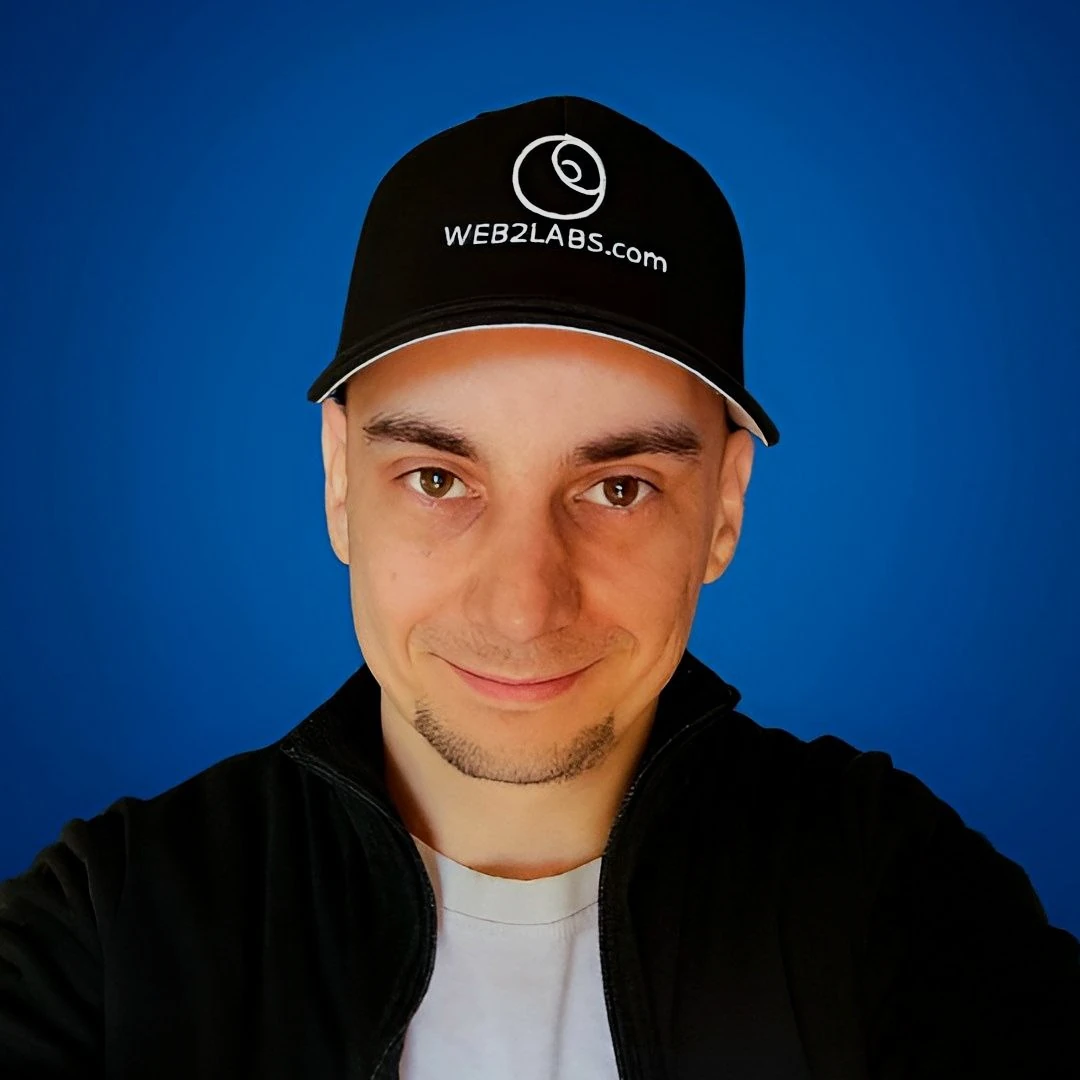
Philipp
I was spending more time editing than recording. Studio started as the tool I built to get my weekends back. Now it does the same for creators who refuse to choose between their channel and their life.
Frequently Asked Questions
Got questions? We've got answers
one upload / your evening returned
Trade one upload for your evening.
We handle the edit, the clips, the thumbnail.
Drop your recording. Choose your outputs, then review and export when ready. No credit card required.
Built for creators with day jobs who love recording but dread everything after.