

AI
Written with AI from 3 sources, without human review. Model: gpt-5.6-sol.Instagram Edits for Mac: A Faster Desktop Video Workflow
Instagram Edits for Mac brings multi-track editing, color tools, captions and watermark-free 4K exports to desktop. Here's how creators can test it without handing over their entire workflow.
Published by Web2Labs. Report an error in this article
Your thumb has been fired from precision editing duty.
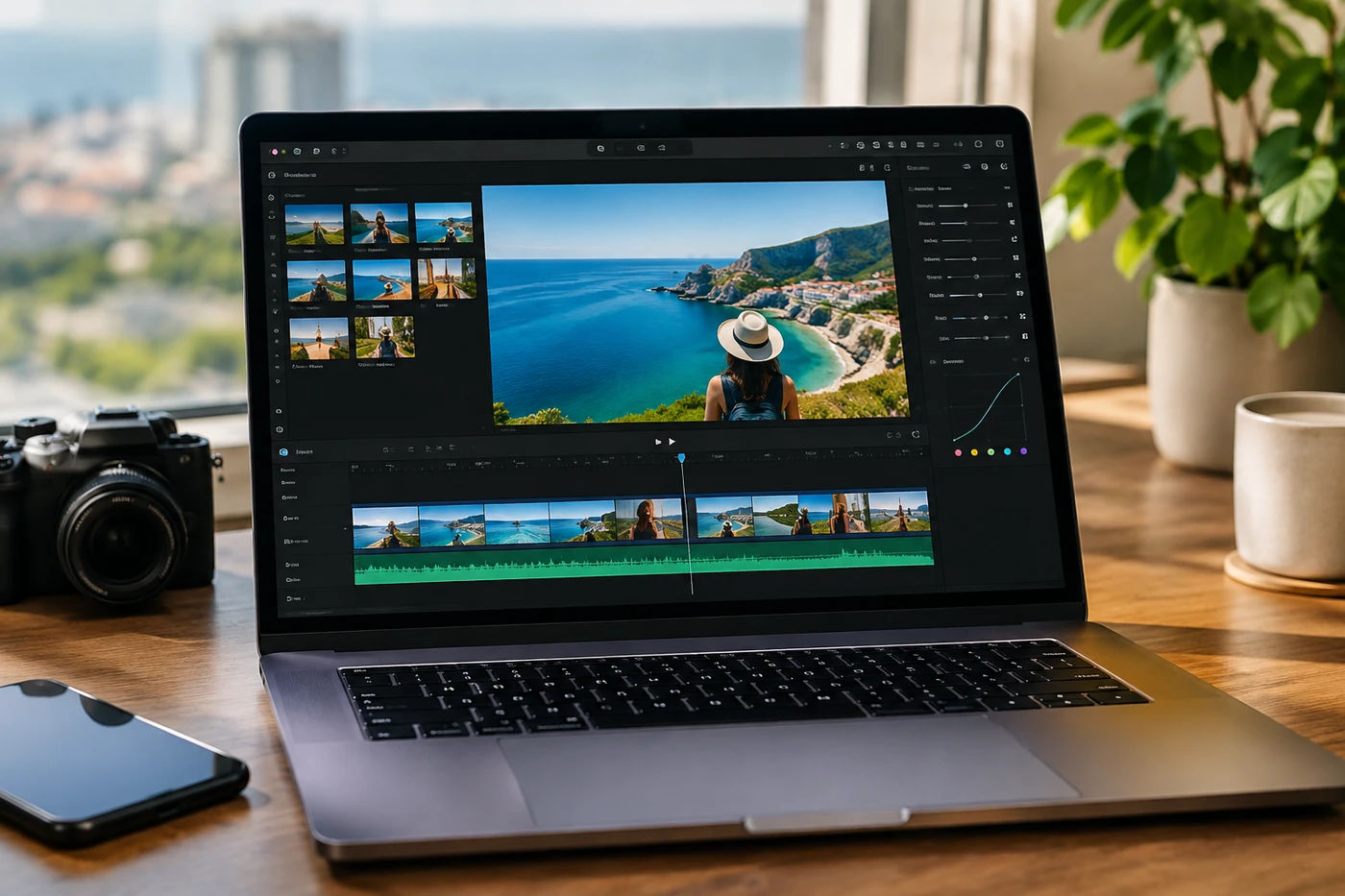
Instagram has brought Edits to Mac, turning its mobile video app into a more serious desktop tool. That's useful. It's also Meta moving closer to your entire production process, not merely the moment you hit publish.
Free software is rarely free of strategy. Use the tool. Just don't confuse convenience with independence.
Edits grew up
Instagram released the Mac app on November 5. Creator Handbook reported1 that it includes a multi-track timeline, keyframes, audio waveforms, color wheels, curves, Log conversion and support for imported LUTs and fonts.
Creators can export horizontal or vertical video at up to 4K without a watermark. They can also publish directly to Instagram, including tags, locations, covers and Trial Reels. Automatic captions are free and unlimited, according to Instagram.
The company says Edits has passed 50 million users since the mobile app launched in April 2025. Its desktop announcement2 positions the Mac version as the answer for projects that simply became too fiddly for a phone.
There are catches. You need an Apple-silicon Mac and an Instagram account. Windows users get nothing for now. Projects also can't move cleanly between mobile and desktop yet, although Instagram says that's being worked on.
Why this matters
This isn't Premiere Pro wearing an Instagram hoodie. But for Reels, Shorts, product clips and talking-head videos, it may be enough.
The important bit is speed. You can cut accurately, reuse saved Instagram audio and text styles, caption the video, then publish without sending files through AirDrop, Drive and three increasingly desperate group chats.
It also puts pressure on CapCut. Meta is offering several features creators increasingly meet behind paid tiers elsewhere, including watermark-free 4K output, captions and color tools. No subscription. For now, anyway. Tiny eyebrow raise.
Still, version one looks uneven. Early creator threads are already asking where the mobile templates are3. And without cross-device projects, Edits lacks one of CapCut's handiest workflow tricks.
Give it one real job
Don't migrate your whole content machine because an app has shiny color wheels.
Take one repeatable format, perhaps your weekly Reel, and build it entirely inside Edits. Time the process. Check caption accuracy, audio control, export quality and how quickly you can create platform-specific versions.
Export a clean master before publishing directly. Keep your raw footage, fonts and LUTs outside Meta's garden. Platforms change direction. Your archive shouldn't.
If Edits saves meaningful time, keep it. If it merely gives you another place to fiddle with transitions, close the app and publish the damn video.
- 1creatorhandbook.netCreator Handbook reported
- 2edits.instagram.comdesktop announcement
- 3reddit.comasking where the mobile templates are
Discussion
Join the discussion - share what's working for your channel.