

AI
Written with AI from 3 sources, without human review. Model: gpt-5.6-sol.Creator Account Security: Stop Fake Sponsorships Stealing Your Channel
Creator account security starts with spotting fake sponsorships, malware-laced briefs and hijacked sessions. Use passkeys, separate inboxes and a recovery plan to protect your channel, audience and revenue.
Published by Web2Labs. Report an error in this article
The email looks normal. Nice budget. Real company logo. They've even watched your latest video. Finally, someone did their homework.
Then you open the campaign brief, and four years of work disappear before lunch.
The trap got better
Account theft has moved well beyond dodgy password-reset emails. Attackers now pose as brands, talent managers, platform support staff and even fellow creators. AI helps them produce convincing messages, clone voices and build fake profiles quickly.
Creators are especially tasty targets. Public business email? Check. Valuable audience? Check. A daily stream of collaboration requests involving links and attachments? Jackpot.
The money around this is getting ugly. FTC figures published in April 20261 show reported losses from scams initiated through social media reached $2.1 billion in 2025. That's eight times the 2020 figure.
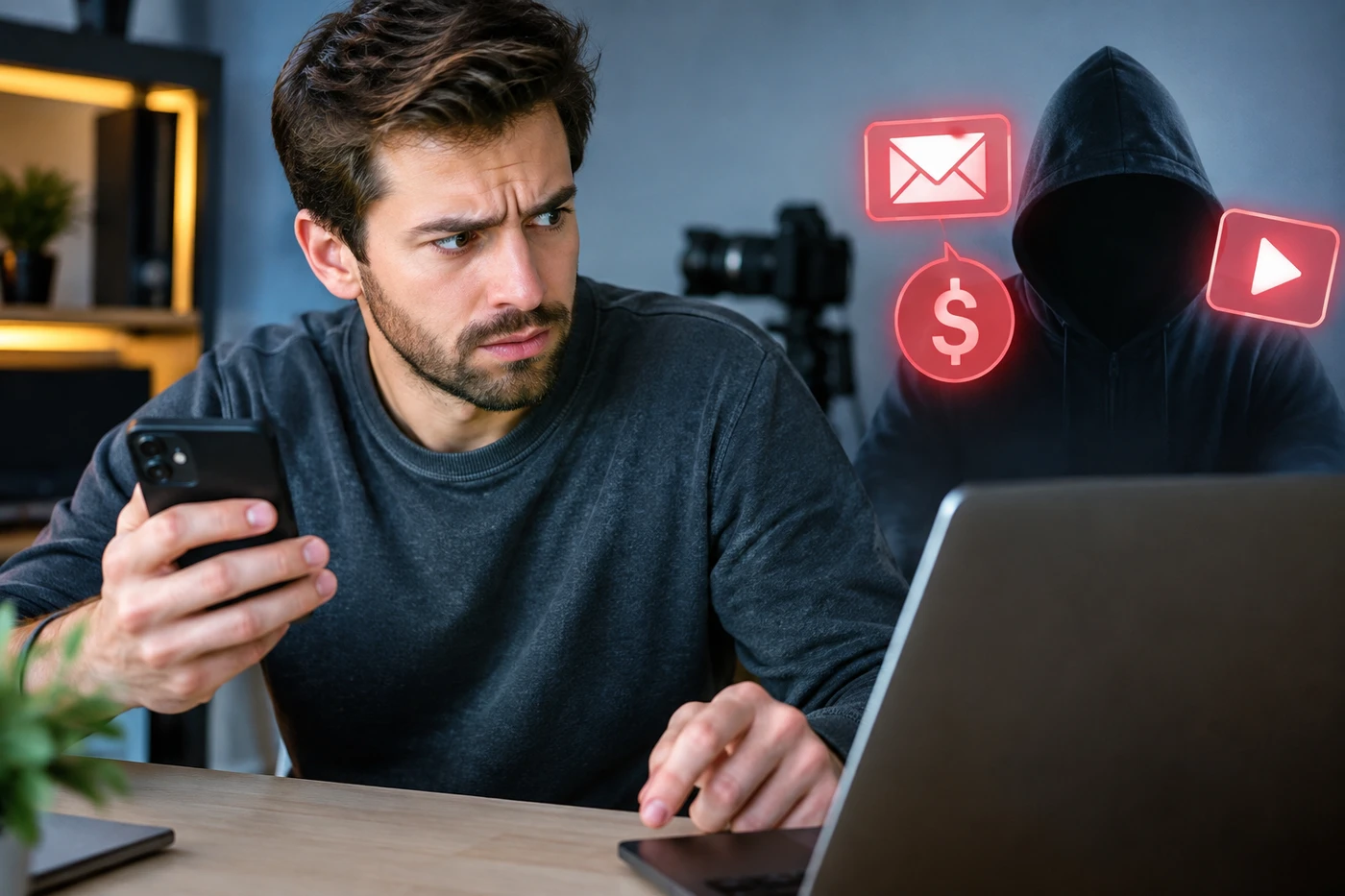
A common creator attack starts with a fake sponsorship. The "brief" contains malware that steals an active browser session. That matters because the criminal may not need your password or authentication code. Your browser already looks logged in.
Creator forums keep showing the same miserable sequence: channel renamed, recovery details changed, crypto livestream launched, account suspended. Some creators report waiting weeks while automated recovery systems ask for information the attacker has already replaced.
Your business stops with the login
A stolen creator account isn't just an IT headache. It can kill distribution, pause sponsorships and redirect your audience into scams. If the account controls ads, shops or payouts, the attacker may also find payment tools attached.
Worse, followers trust the message because it comes from you. The scammer gets your face, history and credibility for free. Lovely arrangement. For them.
Your channel is an asset, not an app you happen to use. Protect it like the keys to the studio.
Platforms are slowly improving their defenses. YouTube recommends passkeys2, malware checks and a recovery plan. Meta expanded passkey support to Instagram through its updated Meta Account3 in April 2026. Useful, yes. Magic shield? Nope.
Lock it down now
Separate your inboxes. Don't publish the email used to own your channel. Keep one private login address and another for pitches, freebies and "urgent partnership opportunities."
Use a passkey or physical security key. Authenticator apps are still better than SMS, but phishing-resistant login is the stronger move. Store backup codes offline.
Stop opening sponsor software. A legitimate brand shouldn't need you to run an executable file to read a brief. Treat password-protected archives, fake PDFs and "media players" as radioactive.
Prepare for the bad day. Save your channel URL, account IDs, recovery contacts and proof of ownership. Review team permissions and connected apps quarterly. Remove old editors immediately.
Ten boring minutes today beats explaining to 200,000 followers why "you" were selling fake Bitcoin yesterday.
- 1ftc.govFTC figures published in April 2026
- 2support.google.comYouTube recommends passkeys
- 3about.fb.comupdated Meta Account
Discussion
Join the discussion - share what's working for your channel.