

AI
Written with AI from 3 sources, without human review. Model: gpt-5.6-sol.Camtasia ChatGPT Plugin Turns Screenshots Into Instructional Videos
Camtasia's ChatGPT plugin turns screenshots into narrated instructional videos, but creators still need to verify steps, add expertise and repurpose tutorials beyond a single video.
Published by Web2Labs. Report an error in this article
The boring first draft of a tutorial just got dangerously cheap.
Camtasia's new ChatGPT plugin builds instructional videos from screenshots. No screen recording. No heroic battle with a timeline. Useful? Absolutely. Also another warning that "I explain software" is no longer much of a moat.
Screenshots in, tutorial out
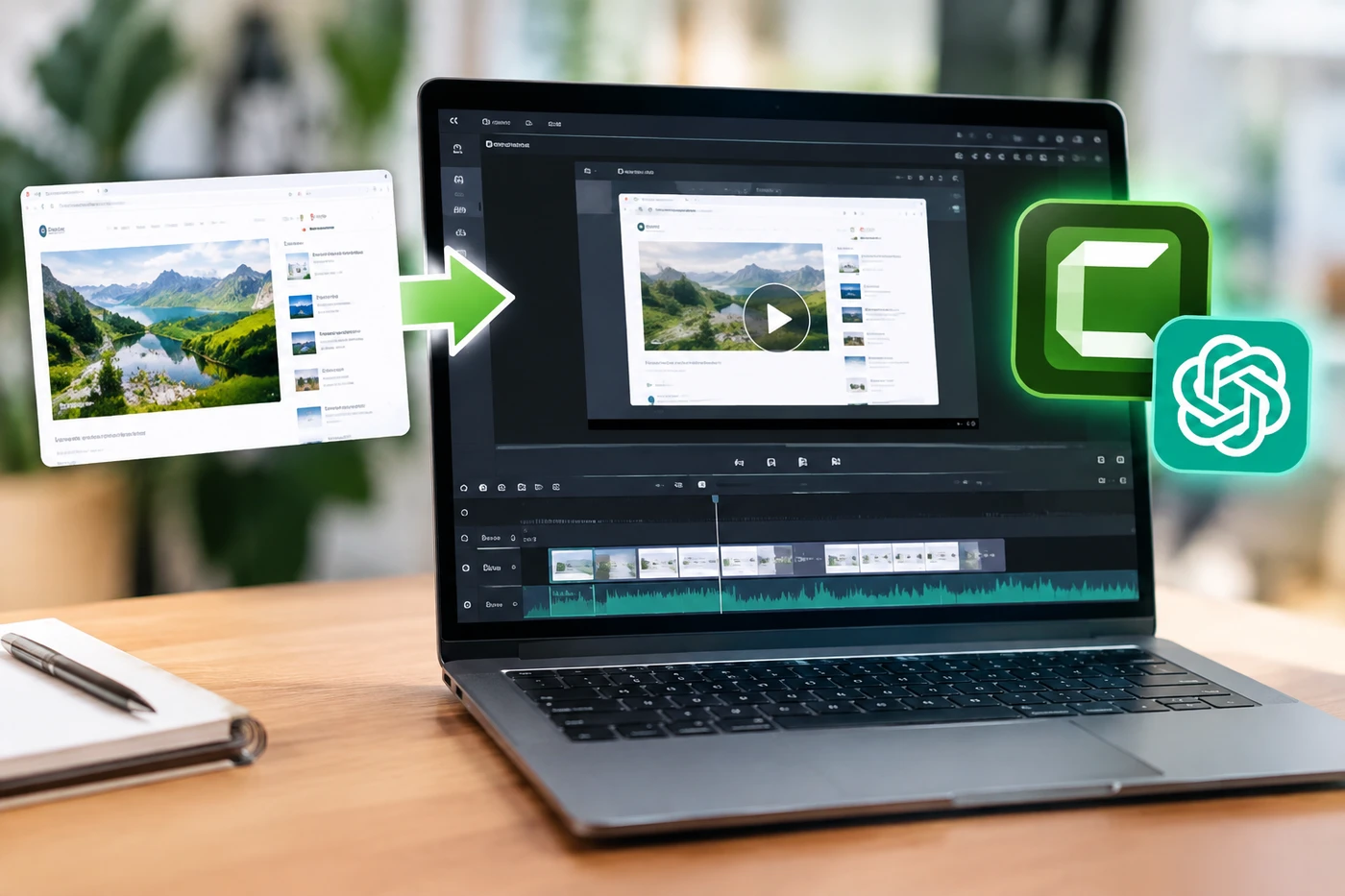
TechSmith launched the plugin on September 15. You open ChatGPT, call Camtasia with an @ mention, describe the lesson and upload one or more screenshots showing the process.
The plugin analyzes interface elements such as menus, buttons and navigation. It then produces scenes, narration, callouts, cursor movements and suggested areas to zoom into. You can rewrite the script or rearrange scenes through prompts before sending the project to Camtasia Online for editing, branding and sharing.
According to TechSmith's launch details1, the plugin is free with TechSmith and ChatGPT accounts, although usage depends on the limits of your ChatGPT plan.
This isn't quite "AI makes the whole video while you drink coffee." You still need accurate screenshots, a sensible sequence and a human who notices when the bot confidently highlights the wrong button. So, yes, you.
The how-to squeeze
Creators have spent years turning tiny bits of knowledge into searchable YouTube libraries. Now that same viewer can ask a chatbot and get a customized walkthrough without opening ten tabs or sitting through a two-minute sponsor segment.
That behavior is already forming. A 2026 Pew Research Center survey2 found that 57% of U.S. teens had used chatbots to find information, while 54% used them for schoolwork.
Camtasia also isn't alone. Tools such as Guidde3 already convert captured processes and uploaded files into narrated, editable walkthroughs. The battle is shifting from "Who can edit?" to "Who actually has something worth teaching?"
Production friction protected mediocre tutorials for years. That little fence is coming down. Good. Build a better house.
Your move
First, test the plugin on a small tutorial you've already published. Compare the time required, then check every instruction. If the AI saves 30 minutes but invents a menu option, congratulations: it saved nothing.
Next, separate repeatable production from creator value. Let automation handle first drafts, captions and visual callouts. Keep your judgment, examples, mistakes and personality in the final cut. Those are the parts viewers remember - and pay for.
Finally, make tutorials that travel. Publish the video, but also keep clean scripts, step names and screenshots for newsletters, courses, client documentation and chatbot-friendly help pages.
The plain walkthrough is becoming a commodity. Your experience isn't. Don't confuse the two.
- 1globenewswire.comTechSmith's launch details
- 2pewresearch.orgPew Research Center survey
- 3guidde.comGuidde
Discussion
Join the discussion - share what's working for your channel.