

AI
Written with AI from 4 sources, without human review. Model: gpt-5.6-sol.Adobe Premiere 27.0: AI Editing Tools Worth Using
Adobe Premiere 27.0 adds Color Mode, AI Assistant, Generative Media and audio cleanup. See which features genuinely speed up editing and how to test the update safely.
Published by Web2Labs. Report an error in this article
Adobe just stuffed more AI into Premiere's timeline. Handy? Yes. Also dangerous, if "faster editing" becomes "more forgettable content, delivered faster."
The real win isn't generating another piece of B-roll. It's removing the grunt work between your idea and the upload button.
Premiere gets a new brain
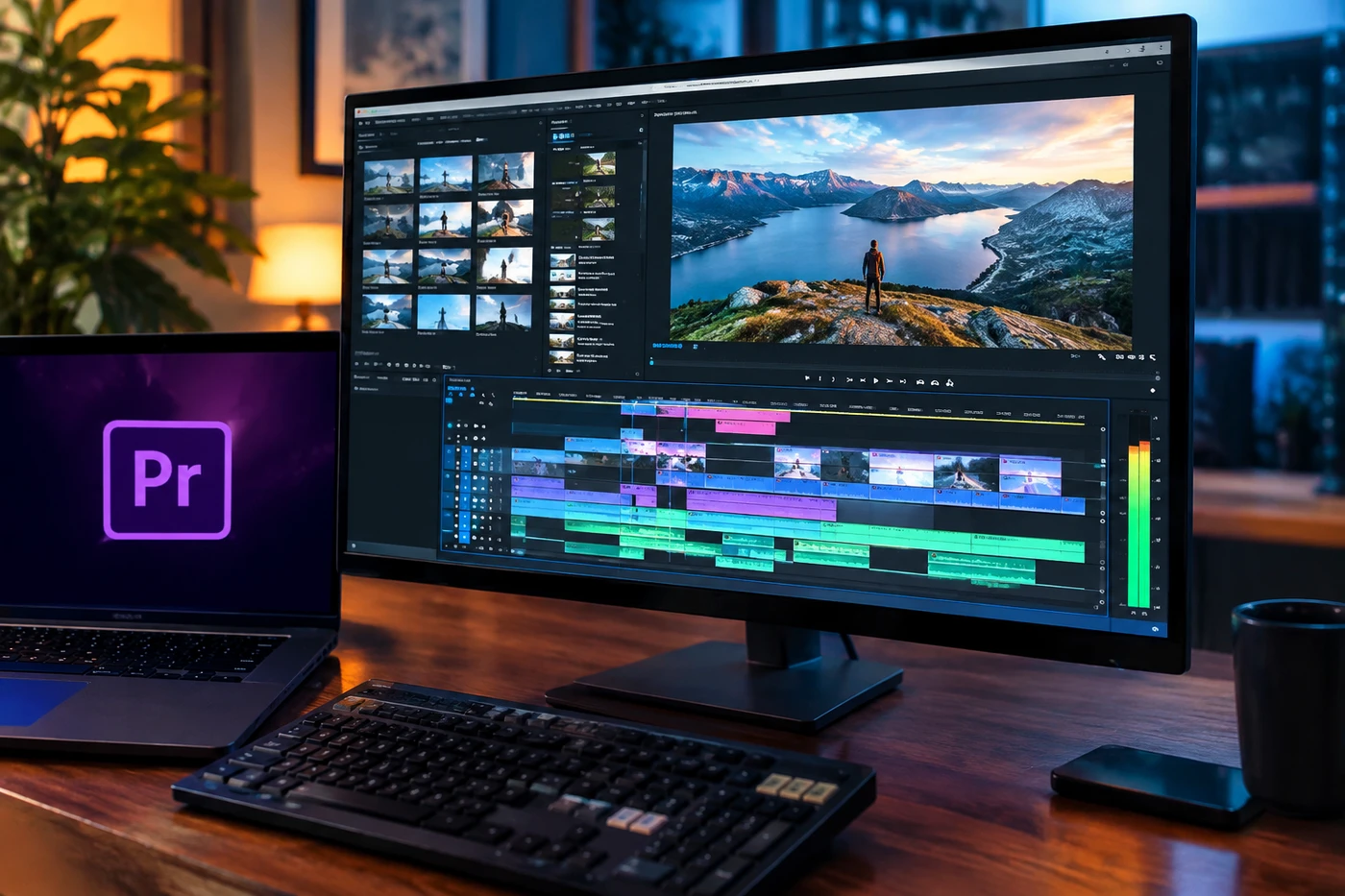
As Creator Handbook reported1, Adobe released Premiere 27.0 following Adobe MAX on November 10. The update combines a rebuilt color workspace with generative media, stronger audio cleanup and an AI assistant that can operate on your project. (creatorhandbook.net1)
Color Mode is now generally available after entering public beta in April. It gives grading its own workspace, including a grid for comparing shots and the ability to apply adjustments across clips, groups or a whole sequence.
One useful correction to the early headlines: Lumetri hasn't eaten dirt. Existing Lumetri work remains intact and can still be edited through Effect Controls. Color Mode is a separate system, although losing the familiar dedicated Lumetri panel has annoyed plenty of editors.
And the reaction is, well, very Adobe. Some editors say the new workflow is faster and produces better-looking grades. Others find basic corrections slower, confusing or awkward for established LUT and adjustment-layer workflows. The comments under Adobe's Color Mode announcement2 are a lively little battlefield. (community.adobe.com2)
The AI Assistant remains in beta. It understands bins, sequences, transcripts and the current timeline, then carries out requests such as tracking subjects, applying effects or adjusting exposure. Generative Media can create video, images, music, sound effects and ambient layers inside the timeline. Generative Remove, also in beta, attempts to erase unwanted objects from moving footage. (blog.adobe.com3)
Speed changes the game
For solo creators, audio separation may matter more than the flashy generation tools. Recovering an interview with overlapping voices or ugly background noise can save a video you'd otherwise bin.
Color consistency matters too. Viewers won't praise your skin tones in the comments. They'll simply stay longer when the video feels polished and doesn't yank their eyes between mismatched cameras.
Adobe isn't racing alone. Blackmagic added AI assistant integration to DaVinci Resolve 21.14 in September. Editing software is shifting from giving you tools to doing chunks of the work for you. (blackmagicdesign.com4)
That doesn't make taste less valuable. It makes taste the bit you can no longer hide behind technical difficulty.Don't update blindly
Finish deadline projects before moving to version 27.0. Duplicate one short project, then test your usual camera conversion, adjustment layers, masks and exports.
Next, try the boring wins: separate messy dialogue, match three shots and remove one genuine distraction. Time the old and new workflows. No stopwatch victory? Don't force it.
Finally, inspect every AI result at full resolution. Boom mics disappearing during a demo is cute. A client's hand briefly melting into a chair? Less cute.
- 1creatorhandbook.netCreator Handbook reported
- 2community.adobe.comAdobe's Color Mode announcement
- 3blog.adobe.com
- 4blackmagicdesign.comDaVinci Resolve 21.1
Discussion
Join the discussion - share what's working for your channel.