

AI
Written with AI from 3 sources, without human review. Model: gpt-5.6-sol.TikTok Scheduling: Useful Automation, With Limits
TikTok scheduling helps creators maintain consistency across desktop and mobile, but locked posts, native-only features and uncertain reach make a balanced workflow essential.
Published by Web2Labs. Report an error in this article
Missing your posting window because you're exporting version 14 is annoying. Building your day around an upload button is worse.
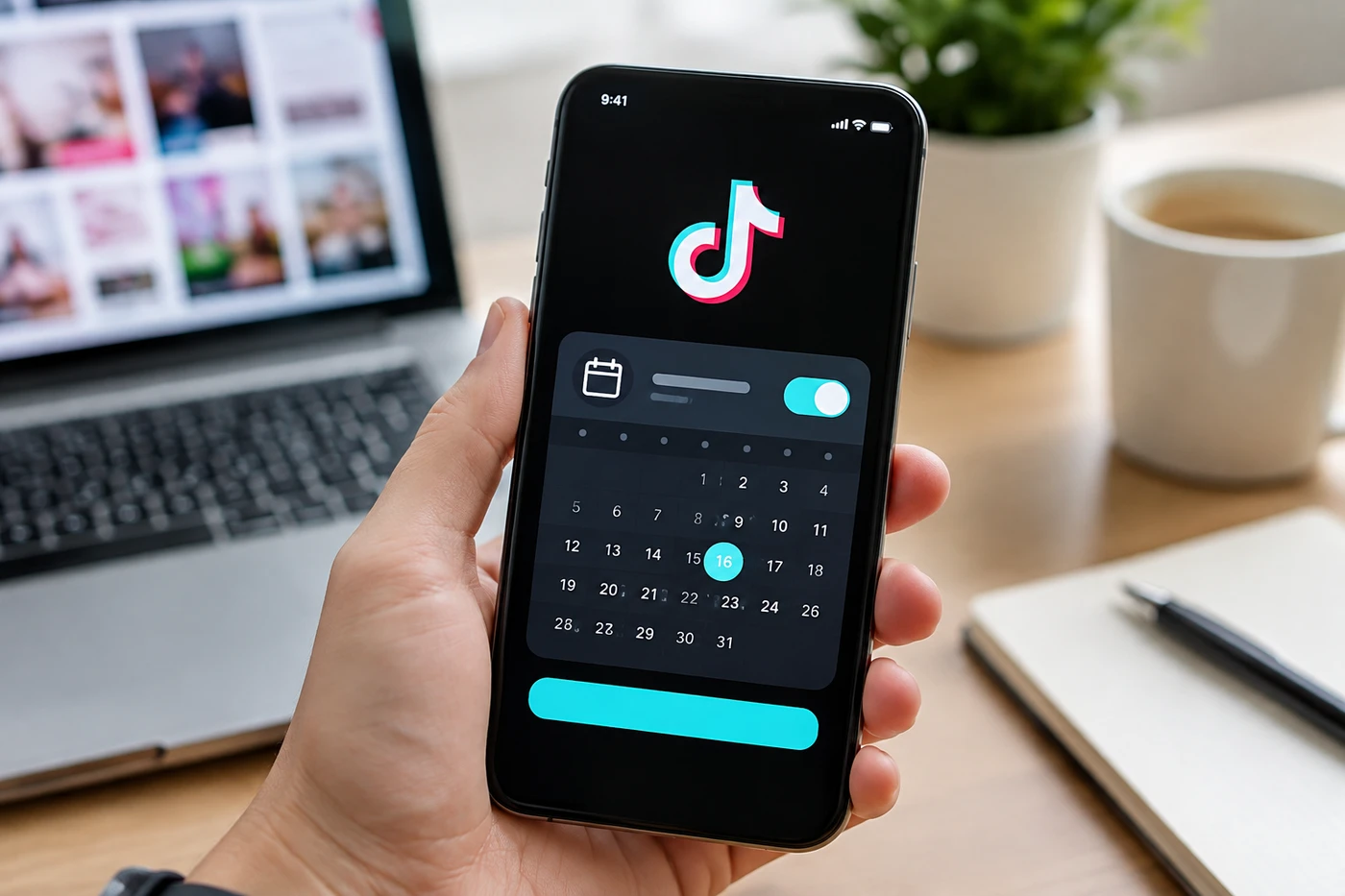
TikTok scheduling now covers desktop and mobile. Useful, yes. Flexible? Let's not get carried away.
The new routine
According to Buffer's November 2026 guide1, any account can schedule videos and photo posts through TikTok Studio. No follower minimum. Desktop and the separate TikTok Studio mobile app both work.
Posts can be queued from 15 minutes to 30 days ahead. Once scheduled, though, they're locked. Wrong caption? Bad cover? Sudden realization that your opening line is painfully boring? Delete it and upload again.
Third-party tools including Buffer offer longer planning windows, last-minute editing and crossposting to Instagram Reels or YouTube Shorts. Native-only features remain the snag. If you need a trending sound, poll or another in-app extra, the practical workaround is a reminder notification, then finishing the post inside TikTok.
Automation should remove admin, not remove your pulse.Why this matters
TikTok isn't a side channel you can casually feed leftovers anymore. Pew Research Center found that 37% of U.S. adults used TikTok in 20252, rising to 63% among adults under 30. That's a serious distribution pipe for creators selling products, memberships, services or simply their next idea.
Scheduling protects consistency when filming, client work and life collide. It also makes one video easier to distribute across several platforms without three separate midnight uploads. Glamorous stuff.
Still, creators remain suspicious about reach. In one recent Reddit experiment3, a creator claimed manually published videos heavily outperformed scheduled posts across three large accounts. Interesting, but anecdotal. Different audiences and accounts don't make a clean test, and TikTok hasn't confirmed a scheduling penalty.
The more believable problem is operational: scheduled posts can miss timely sounds, go live while you're unavailable for comments or preserve a weak caption you forgot to fix.
Your next move
Batch the production, not the thinking. Keep several finished posts ready, but leave room for current conversations. A calendar shouldn't become a content prison.
Test native against manual publishing. Alternate methods for a few weeks. Compare watch time, completion rate and shares, not one video's view count.
Use reminders for trend-dependent posts. Evergreen tutorials can publish automatically. Posts relying on sounds or native tools deserve the final human tap.
Stay near the comments. Schedule for freedom, then show up when the post lands. Otherwise you've automated the easy part and skipped the valuable one.
- 1buffer.comBuffer's November 2026 guide
- 2pewresearch.org37% of U.S. adults used TikTok in 2025
- 3reddit.comone recent Reddit experiment
Discussion
Join the discussion - share what's working for your channel.