
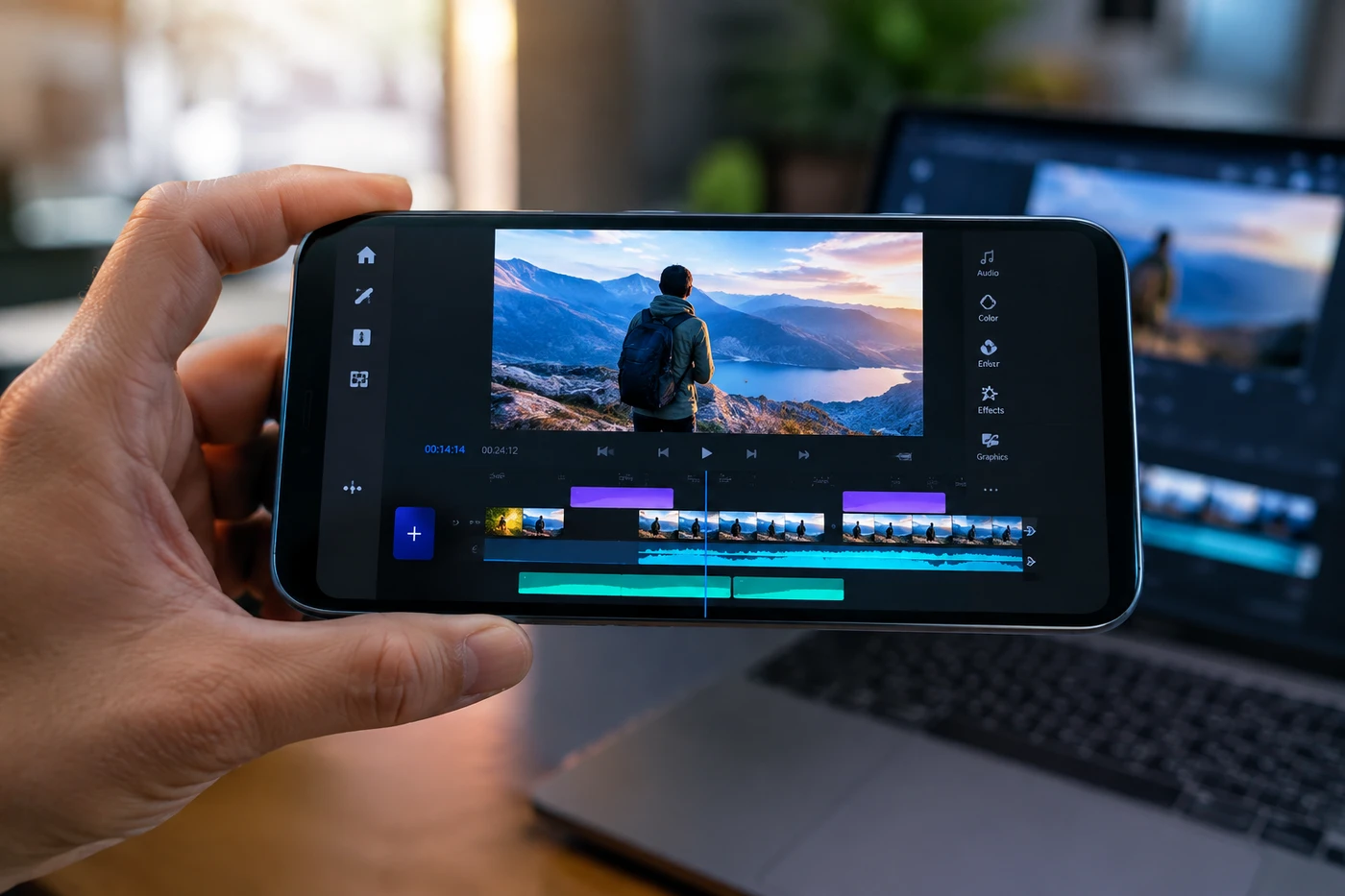
Adobe Premiere for Android Is Finally a Real Video Editor
Adobe Premiere for Android brings multi-track editing, 4K exports and audio tools to phones, while desktop transfer limitations and hardware requirements make a cautious rollout wise.
Your phone can now run a proper multi-track Premiere timeline. Not the old "trim three clips and add cheerful music" version. An actual editor.
For Android creators, Adobe arriving this late is slightly ridiculous. Still, late with 4K export beats never.
Adobe finally showed up
Adobe released Premiere for Android on September 22, nearly a year after bringing the rebuilt mobile app to iPhone.
The free editor combines video, music, text, voiceovers and effects on a multi-track timeline, with frame-level trimming and exports up to 4K. Adobe says there are no ads, watermarks, forced upgrades or required account login for basic editing.
You also get Enhance Audio for rescuing speech recorded near traffic, screaming children or that one espresso machine apparently powered by a jet engine. Templates, transitions, Lightroom filters and Adobe Stock assets are included too.
Firefly tools can generate images, video and sound effects, although those use generative credits. Extra credits and cloud storage are where Adobe expects money to change hands.
The catch: you need Android 13 or newer and at least 5GB of RAM. You can check compatible devices on the Google Play listing1.
The useful bit
This isn't Premiere Pro squeezed onto six inches of glass. Early creator reactions have been cautiously positive, with people welcoming another serious Android editor while asking how it compares with LumaFusion. Others call the first release basic and want features such as motion tracking.
Good. Be picky. Your editing app handles hours of your life, not just files.
Premiere's advantage is precision without an immediate subscription wall. CapCut remains faster for trends, templates and effects. Instagram Edits has direct publishing and performance insights. LumaFusion offers deeper mobile production tools.
Adobe, though, is building the bridge between quick phone edits and professional desktop work. That matters when a casual Short becomes a sponsored campaign and suddenly needs versions, clean audio and someone else touching the timeline.
That bridge isn't finished on Android. Sending projects into desktop Premiere is still listed as coming soon. Awkward timing, because Adobe ended technical support for Premiere Rush on September 30, 20262.
Don't migrate yet
Install Premiere and rebuild one video you've already published. Same clips, same captions, same export. Time the process. Pretty interfaces don't pay you; faster publishing does.
Next, test Enhance Audio on a genuinely bad recording. If it saves a reshoot, the app has earned its place.
Keep current projects in your existing editor until Android gets reliable desktop transfer. No heroic workflow migration on version one. We're creators, not unpaid beta departments.
- 1play.google.comGoogle Play listing
- 2helpx.adobe.comPremiere Rush on September 30, 2026
Discussion
Join the discussion - share what's working for your channel.