
Substack Notes Scheduling: From Admin Hassle to Subscriber Growth
Substack Notes scheduling now covers native publishing and Buffer workflows, helping creators plan posts, adapt them for other networks, and track which Notes drive free or paid subscriptions.
Substack Notes has been useful for discovery. Managing it? Less charming. Until recently, posting consistently meant remembering to open the app at exactly the right moment like some underpaid social media intern.
That problem is now mostly gone. The more interesting bit: creators can finally see whether those quick posts produce subscribers, not merely little red hearts.
The quiet upgrade
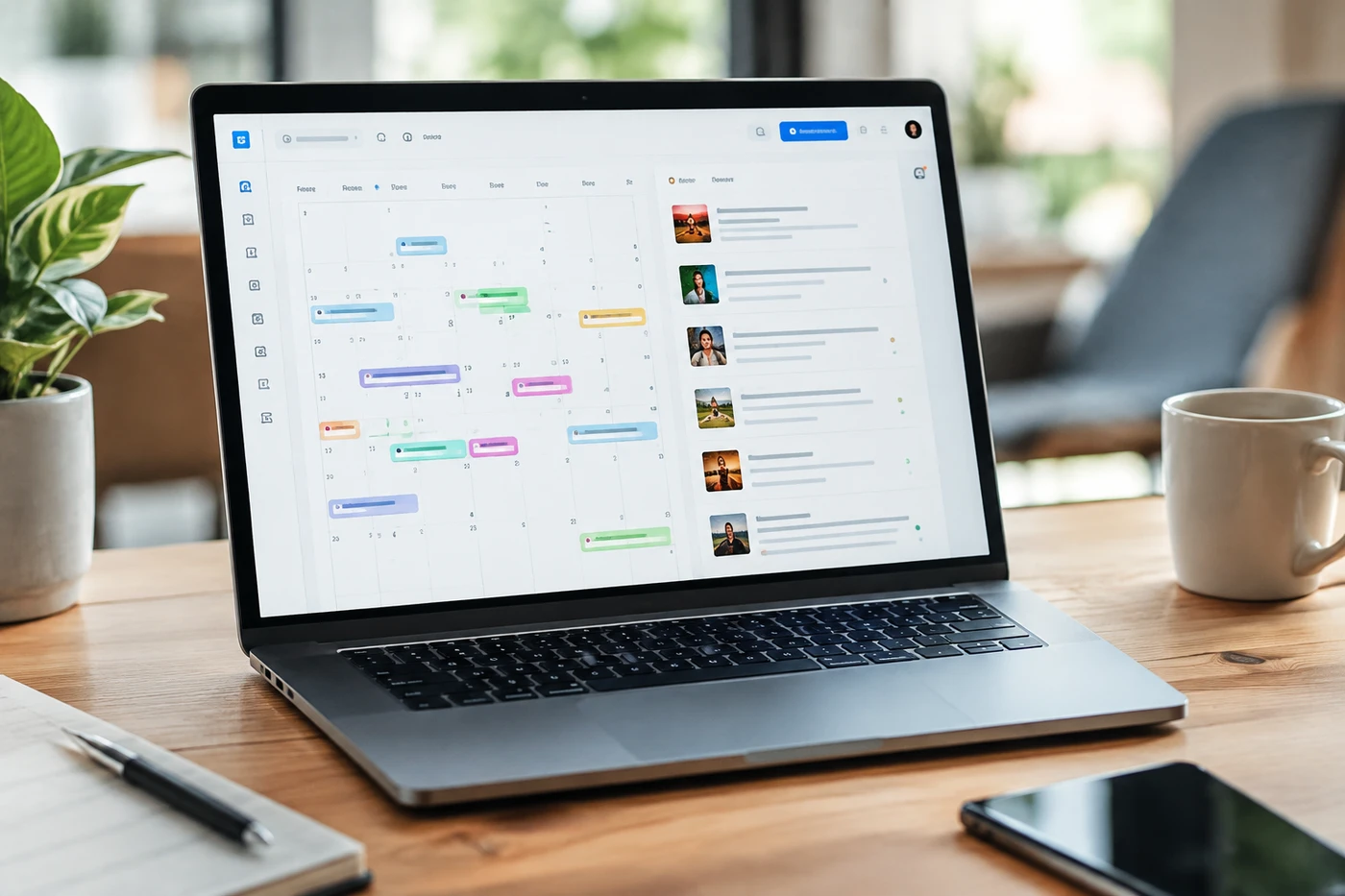
Substack added native scheduling for Notes in March 2026. On web, creators use the calendar inside the composer; the mobile apps tuck scheduling into the three-dot menu. Notes can include text, links, images, video, or polls and can be edited before publication.
It's free and perfectly adequate if you publish a few Notes each week. But scheduled posts live inside the Drafts list, not a proper calendar. You also schedule them individually and manage other platforms elsewhere. Substack explains the basics in its Notes guide1.
On September 23, Buffer launched direct Substack support after the request collected more than 1,000 roadmap votes. Its official integration2 lets creators place Notes beside posts for LinkedIn, Threads, X, and Bluesky, then adapt each version before scheduling.
The genuinely useful part isn't cross-posting. It's attribution. Buffer reports impressions, reactions, follows, and the free or paid subscriptions Substack credits to an individual Note. Its free plan allows ten queued posts per connected channel.
There are limits. Buffer handles top-level Notes, not newsletters, replies, or restacks. Mentions and rich formatting aren't supported through the integration. Conversation still happens inside Substack. As it should, frankly.
Why creators should care
Notes is no longer just a side feed for shower thoughts. It sits between strangers discovering your work and those strangers joining your email list.
That bridge matters now that more than 100,000 Substack publishers earn subscription revenue, according to Axios3. Attention without conversion is applause in an empty shop. Pleasant. Not a business.
Scheduling should remove admin, not your personality. If every Note sounds batch-produced, congratulations: you've automated being ignored.
The useful workflow is half planned, half alive. Schedule ideas extracted from your newsletters, videos, or podcasts. Then show up to reply, restack good work, and join whatever conversation is happening that day.
Your next move
Batch three Notes. Pull one sharp opinion, one practical lesson, and one question from your latest long-form piece. Schedule them across the week instead of dumping all three on launch day.
Rewrite for each network. The same idea can travel. The same wording usually shouldn't. A Substack Note can breathe; an X post needs the knife.
Track subscriber results. Likes tell you what entertained people. Subscription attribution tells you what made them want more. Keep those Notes, study the opening lines, and build the next batch from evidence.
- 1support.substack.comNotes guide
- 2buffer.comofficial integration
- 3axios.comAxios
Discussion
Join the discussion - share what's working for your channel.